mirror of
https://github.com/oSoWoSo/DistroHopper.git
synced 2026-06-14 17:36:40 +00:00

32 lines
1.2 KiB
Markdown
32 lines
1.2 KiB
Markdown
## [Alternative Frontends](https://github.com/quickemu-project/quickemu/wiki/07-Alternative-frontends)
|
|
|
|
### Quickgui
|
|
|
|
While `quickemu` and `quickget` are designed for the terminal, a
|
|
graphical user interface is also available:
|
|
|
|
- **[Quickgui](https://github.com/quickemu-project/quickgui)** by [Mark Johnson](https://github.com/marxjohnson) and [Yannick Mauray](https://github.com/ymauray).
|
|
|
|
To install Quickgui on Ubuntu:
|
|
|
|
``` shell
|
|
sudo add-apt-repository ppa:yannick-mauray/quickgui
|
|
sudo apt update
|
|
sudo apt install quickgui
|
|
```
|
|
|
|
Many thanks to [Luke Wesley-Holley](https://github.com/Lukewh) and
|
|
[Philipp Kiemle](https://github.com/daPhipz) for creating the
|
|
**[Quickemu icons](https://github.com/Lukewh/quickemu-icons)** 🎨
|
|
|
|
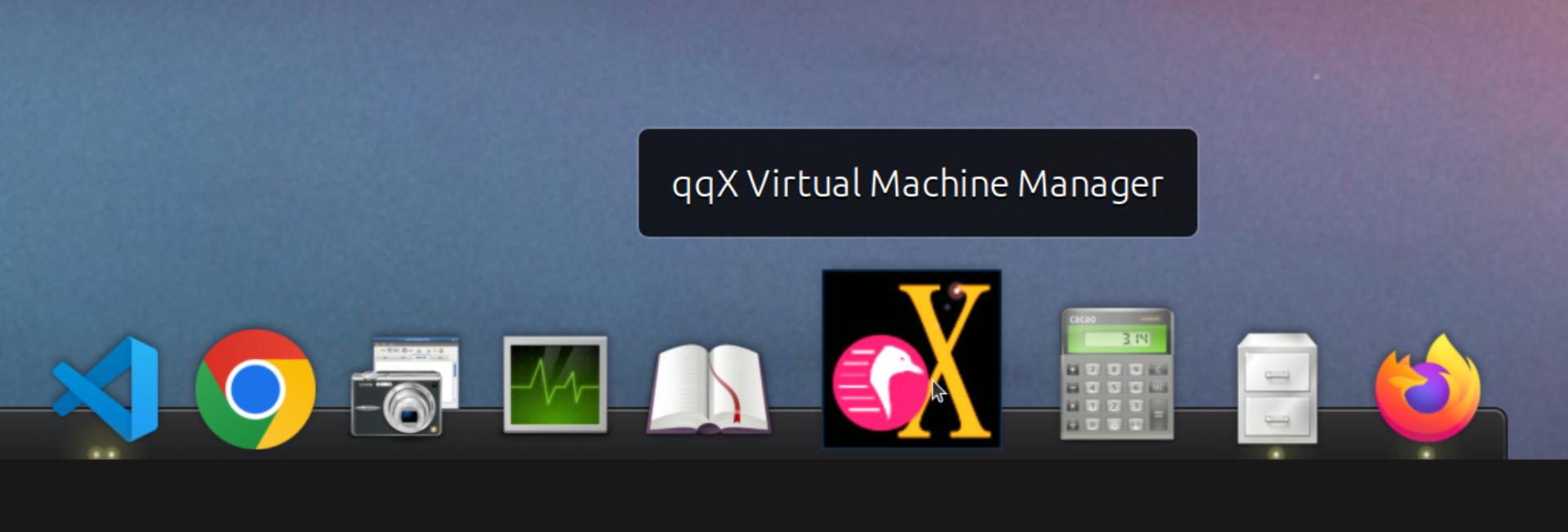
### qqX
|
|
|
|
There is also a multi option desktop integrated text
|
|
interface, the **quickemu quickget X terminal project**, or **qqX**,
|
|
with lots of unique tools and utilities to help you make
|
|
light work of installations, snapshots and disk management
|
|
|
|
- **[qqX](https://github.com/TuxVinyards/qqX)** is independently curated
|
|
by [Alex Genovese](https://github.com/TuxVinyards) (see the github pages)
|
|
|
|
|